SudokuPad Puzzle Notes
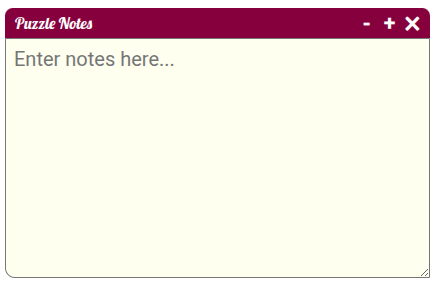
This extension allows you to save notes to SudokuPad puzzles. Clicking the notes icon at the bottom-right shows a textarea that can be used to capture deductions which don't follow normal "candidate-notation".
Installation and Usage
The user script needs Tampermonkey. After you installed Tampermonkey, install the puzzle notes user script. Any puzzle on SudokuPad will now show a button with a notes icon on the bottom right. Clicking that button shows the notes overlay.
Drag and Resize
The textarea can be resized and dragged across the screen to place the notes wherever you want them. The font size of notes can be ajusted with the "+" and "-" buttons.
Persistence
Notes will be saved in local storage. If you add notes to a puzzle and open the same puzzle again later, those notes will be restored.